


Local News
DNR asking for public’s help with deer and game bird counts
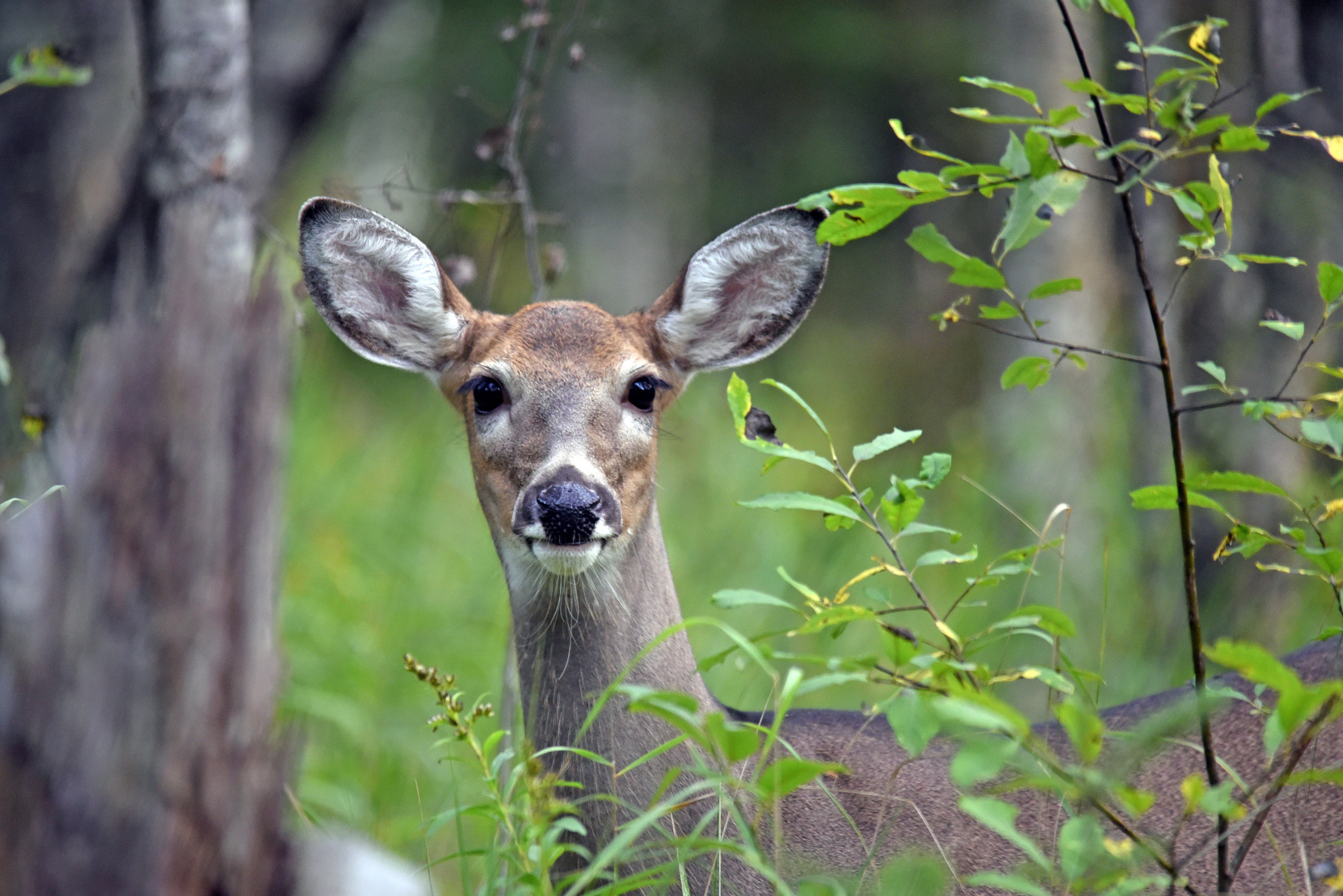
Monitoring deer reproduction has always been part of the Wisconsin Department of Natural Resources’ deer management program. During the summer months, members of the public can report location, deer type and the number of deer seen from dawn to dusk. This data can help to determine the fawn-to-doe ratio and, ultimately, deer population estimates.
How to participate
The survey period is from Aug. 1 to Sep. 30. You can help by recording and reporting your observations of deer.
Survey guidelines
- Report for August and September.
- Record deer observed from dawn to dusk (when headlights are not used for driving).
- Record ALL deer you see, not just does with fawns.
- Do NOT include multiple observations if you are sure the same deer are being seen repeatedly.
- Do not include trail camera counts in your observations.
Record
Reports should include:
- number of does with fawns;
- does without fawns;
- lone fawns;
- bucks;
- unknown deer;
- date; and
- location
Survey instructions
Observations are collected using the Survey123 smartphone app. Currently on your smartphone? Use this direct link instead of steps 1-3 below to install the survey.
Step 1) Download and install Survey123 on your device. Go to Google Play (Android) or Apple App Store (iOS) to install.
- Note: after installation, the app may open and ask you to log in. Close the app and go to step 2.
Step 2) Scan the QR code at this link with the phone’s camera and click on the link that appears, or open Survey123 and use the QR code reader in the Search bar (this works best for iPhone users). This will load and open Operation Deer Watch in Survey123. If prompted to log in, click “Continue without signing in” to proceed.
Step 3) Once the survey is installed, go to the X at the top left of the screen, then select “Close survey and lose changes”. The Survey123 app and Operation Deer Watch are now loaded onto your phone and ready for you to record your observations. Upon your next sighting, open Survey123 and Operation Deer Watch to record your sighting.
- You can use your phone’s GPS to record your sighting location or the map to pin your sightings.
** DO NOT use the app while driving! **
Spread the word
Please inform others of this opportunity to tell the DNR about deer in their area.
Results
Data collected is used in monitoring deer reproduction and ultimately in population modeling. Annual results are in the Deer Recruitment Surveys report:
For the Game Bird Observation survey,
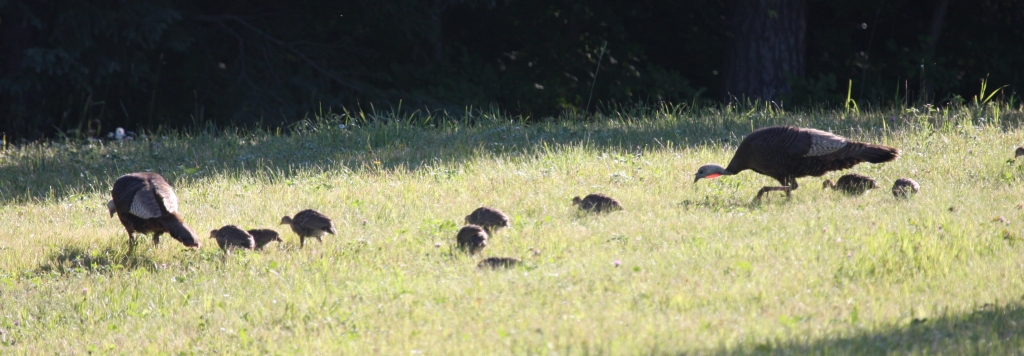
Monitoring game bird reproduction has always been part of the Wisconsin Department of Natural Resources’ game bird management program. Members of the public can collect information on the types and numbers of game birds they observe during the summer months. This information is used to monitor the reproduction of game birds for that breeding year.
How to Participate
The survey period is from July 1 to Aug. 31. You can help by recording and reporting your observations of game birds.
Survey guidelines
- Record all individuals and broods of ruffed grouse, ring-necked pheasant, wild turkey, and gray partridge.
- Only record game birds observed in daylight hours during July and August.
- Do not report released bird observations if this is suspected.
Record
- Date of observation.
- Location.
- Species seen (ruffed grouse, ring-necked pheasant, wild turkey, or gray partridge).
- Record all individuals observed as well as all broods.
Survey instructions
Observations are collected using the Survey123 smartphone app. Currently on your smartphone? Use this direct link instead of steps 1-3 below to install the survey.
Step 1) Download and install Survey123 on your device. Go to Google Play (Android) or Apple App Store (iOS) to install.
- Note: after installation, the app may open and ask you to log in. Close the app and go to step 2.
Step 2) Scan the QR code on this page with the phone’s camera and click on the link that appears, or open Survey123 and use the QR code reader in the Search bar (this works best for iPhone users). This will load and open the Game Bird Survey in Survey123. If prompted to log in, click ‘Continue without signing in’ to proceed.
Step 3) Once the survey is installed, go to the X at the top left of the screen, then select “Close survey and lose changes”. The Survey123 app and Game Bird Survey are now loaded onto your phone and ready for you to record your observations. Upon your next sighting, open Survey123 and Game Bird Survey to record your sighting.
- You can use your phone’s GPS to record your sighting location or the map to pin your sightings.
Note: The QR code above has not worked with all mobile device operating systems. If you are unable to access the QR code:
- Download the app from the App Store
- Open the app (and click on “Continue without signing in”)
- Hit the little QR code icon on the right of the search bar
- Scan the QR code, and it should download and install the survey
** DO NOT use the app while driving! **
Spread the Word
Please inform others of this opportunity to tell the DNR about game birds in their area.
Additional Information
- Wisconsin wildlife reports: harvest data, hunter opinion surveys, wildlife population survey results and more.